![neticle_w.svg]](https://neticle.com/hubfs/neticle_w.svg)
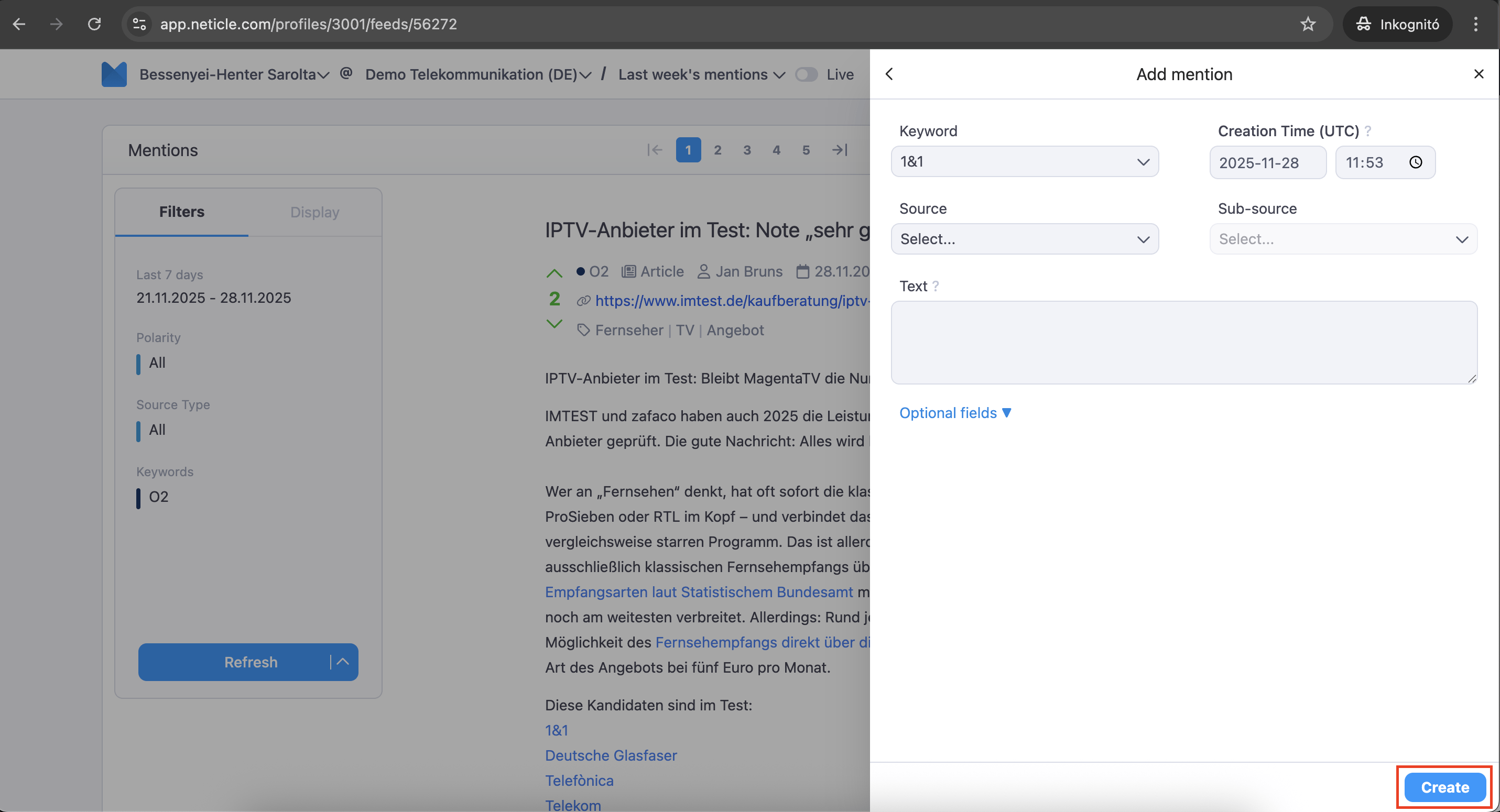
Adding any missing mentions is easily possible via the portal interface.
You can access the 'Add Mention' option by selecting a feed report under the Reports dropdown menu, and then clicking the three dots (...). Here, you have the option to select the source type, the time when the mention was created, and the full text. Additionally, by clicking on 'Optional Fields', you can add further details and metadata.
Once a mention is inserted, it should appear near real-time in the system.
The video below demonstrates how to use the 'Add Mention' feature
Another option from where you can access the 'restore mention' function.
1st step:
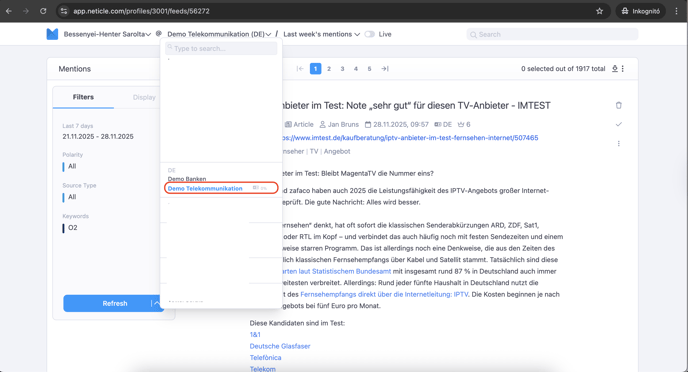
2nd step:
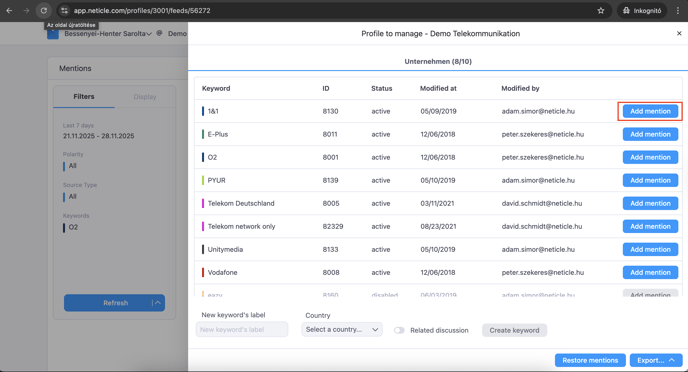
3rd step: